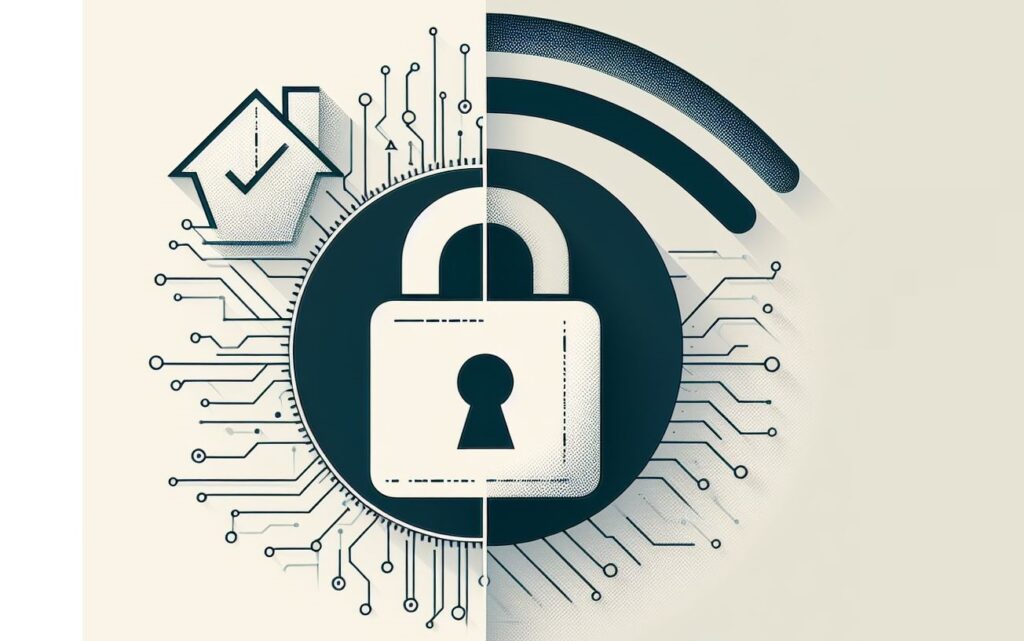
In today’s digitally connected world, our homes are filled with smart devices that rely on Wi-Fi to function. From smartphones and laptops to smart TVs and home security systems, the convenience of a wireless network is undeniable. However, with this convenience comes the risk of security threats that can compromise your personal data and privacy. In this article, we’ll discuss some easy and practical tips to secure your home Wi-Fi network and keep your internet connection safe from hackers and cyber threats.
Change the Default Administrator Password
When you set up a new Wi-Fi router, it often comes with a default administrator username and password. Hackers can easily exploit this if you don’t change it. Make sure to log in to your router’s settings and change the default username and password to something unique and secure. Avoid using common passwords like “admin” or “password” and opt for a combination of letters, numbers, and special characters.
Enable WPA2 Encryption
Encryption is essential for securing your Wi-Fi network and preventing unauthorized access. Ensure that your router is using WPA2 (Wi-Fi Protected Access 2) encryption, which is currently the most secure option available for home networks. You can typically enable WPA2 encryption through your router’s settings menu. This encryption method scrambles the data transmitted between your devices and router, making it much harder for hackers to intercept and decipher.
Change the Default SSID
The SSID (Service Set Identifier) is the name of your Wi-Fi network that appears when you search for available connections. Leaving the default SSID unchanged can make it easier for hackers to identify the make and model of your router, which could help them exploit known vulnerabilities. Change the SSID to something unique that doesn’t reveal any personal information or identifying details.
Enable Network Encryption
In addition to encrypting your Wi-Fi signal, you should also enable encryption for any sensitive data transmitted over your network. This can include setting up a virtual private network (VPN) for secure remote access to your home network and encrypting data transmitted between devices using secure protocols like HTTPS for web browsing and SSL/TLS for email.
Update Router Firmware Regularly
Router manufacturers regularly release firmware updates to fix security vulnerabilities and improve performance. Make sure to check for updates regularly and install them as soon as they become available. Most modern routers have an option to check for updates within the settings menu, or you can visit the manufacturer’s website for downloads and instructions.
Disable Remote Management
Many routers come with a feature that allows you to manage them remotely via the internet. While this can be convenient, it also poses a security risk if not properly secured. Disable remote management unless you absolutely need it, and if you do, make sure to enable strong authentication measures such as two-factor authentication (2FA) and restrict access to trusted IP addresses.
Enable MAC Address Filtering
Every device connected to your Wi-Fi network has a unique MAC (Media Access Control) address, which can be used to control access to your network. Enable MAC address filtering on your router to only allow devices with approved MAC addresses to connect. While this won’t prevent determined hackers from spoofing MAC addresses, it adds an extra layer of security and makes it harder for unauthorized devices to connect.
Use Strong Passwords for Wi-Fi Network
In addition to securing your router’s administrator password, you should also ensure that your Wi-Fi network password is strong and secure. Avoid using easily guessable passwords like dictionary words or common phrases. Instead, opt for a combination of upper and lower case letters, numbers, and special characters, and make sure it’s at least 12-16 characters long.
Disable WPS (Wi-Fi Protected Setup)
WPS is a feature that allows you to quickly connect devices to your Wi-Fi network by pressing a button or entering a PIN code. However, it’s also a known security vulnerability that can be exploited by hackers to gain unauthorized access to your network. Disable WPS on your router to mitigate this risk and rely on more secure methods for connecting new devices, such as entering the Wi-Fi password manually.
Regularly Monitor Network Activity
Keep an eye on your router’s activity logs and network traffic to detect any unusual or suspicious behavior. Look for signs of unauthorized access attempts, unusual data transfers, or unknown devices connected to your network. Most modern routers have built-in logging and monitoring features that allow you to track network activity and identify potential security threats.
To conclude, securing your home Wi-Fi network is essential for protecting your personal data and privacy from cyber threats. By following these easy steps and implementing basic security measures, you can significantly reduce the risk of unauthorized access and ensure a safe and secure internet connection for you and your family. Remember, staying vigilant and proactive is key to maintaining a secure home network in today’s digital age.